If you are using multi-currency integrations (for example, international sales channels or ad platforms), you can also configure currency at an integration level. Under Currency Exchange Settings, you can: Select the relevant integration Choose the applicable currency Save the configuration This ensures that data from that specific integration is converted correctly into your store’s primary reporting currency. currency.
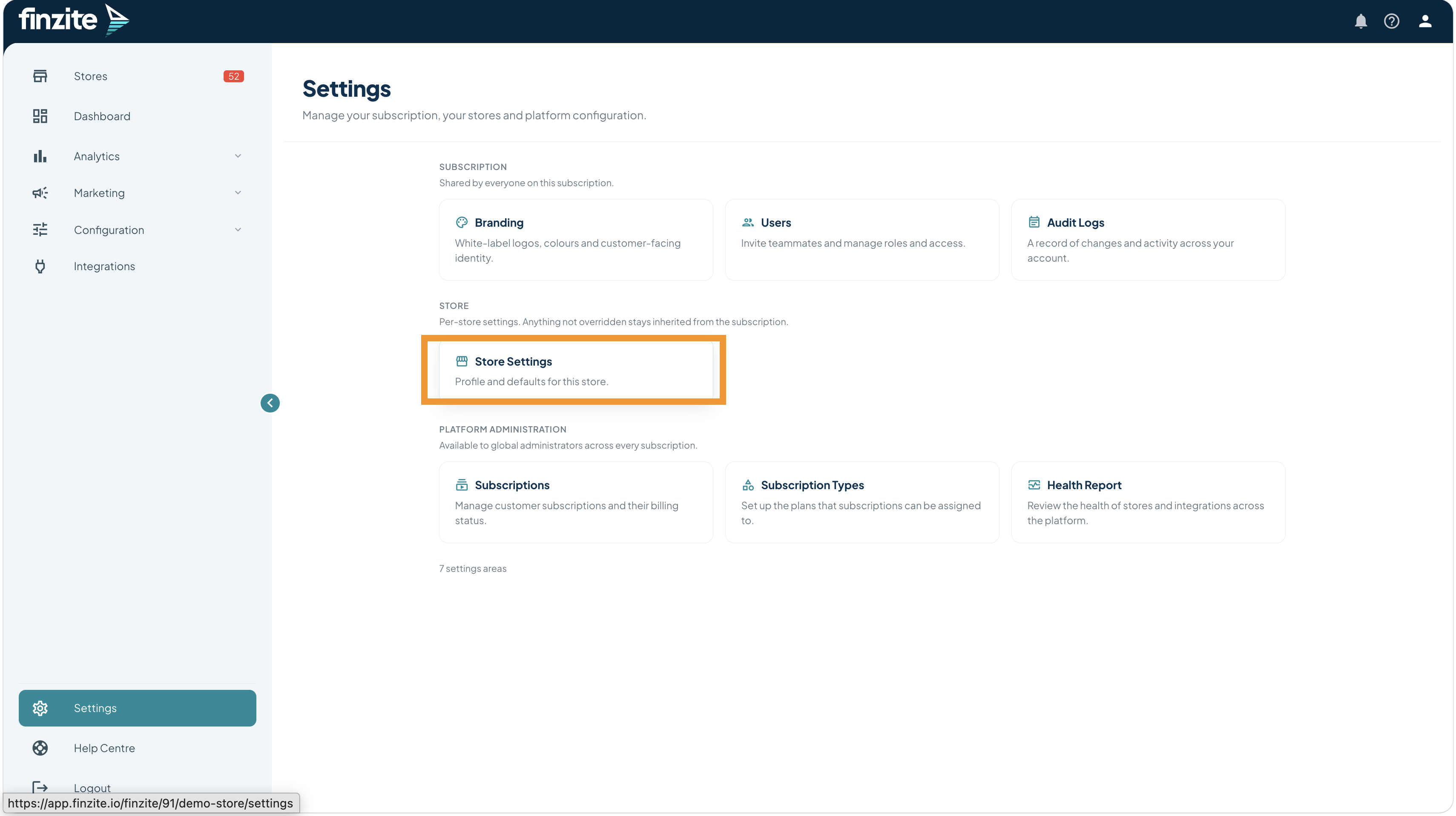
1. Go to Store Settings
2. Select the integration
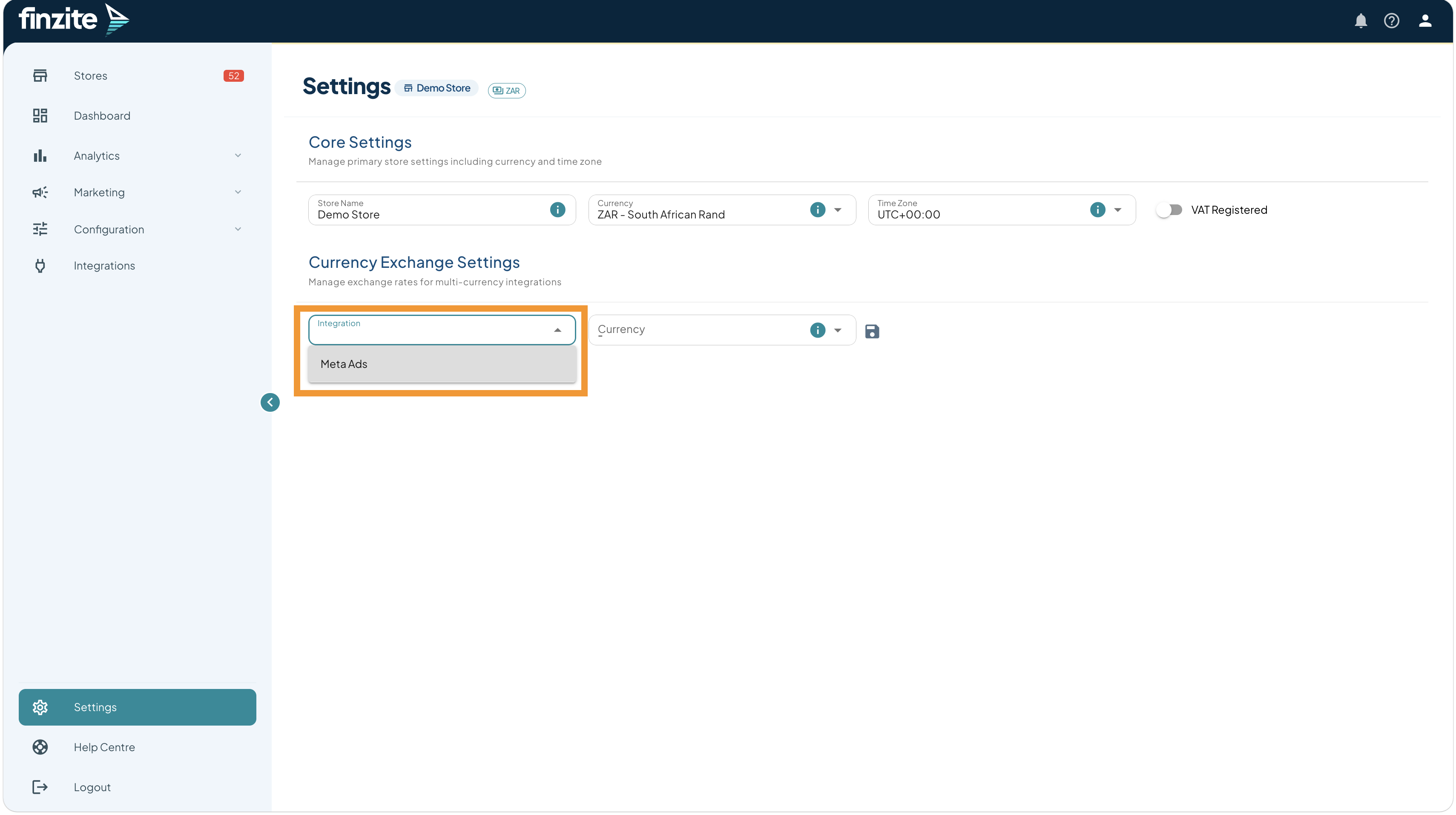
3. Select the currency and save the changes.
Was this article helpful?
That’s Great!
Thank you for your feedback
Sorry! We couldn't be helpful
Thank you for your feedback
Feedback sent
We appreciate your effort and will try to fix the article